01
Make it fit your project
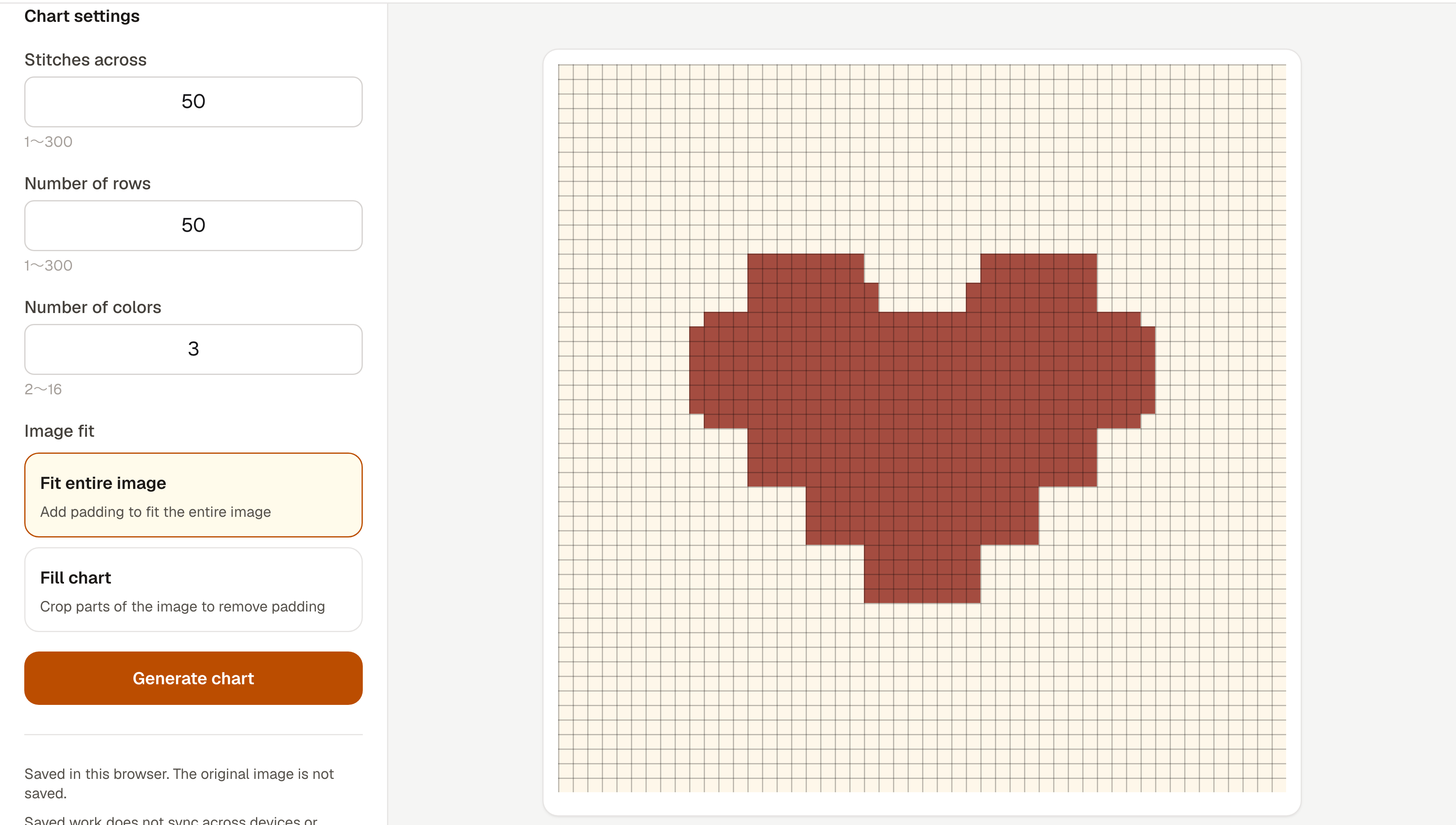
Set the stitches, rows and number of colors. Fit the whole photo or crop it to fill your chart.
Amizu · Turn photos into crochet charts
Amizu turns photos and images into colorwork grid charts for crochet and other crafts. Refine the colors, save your chart and track your progress, all in your browser.
Create a chart →No login needed. Your photos are never uploaded to a server.
Feature
01
Set the stitches, rows and number of colors. Fit the whole photo or crop it to fill your chart.
02
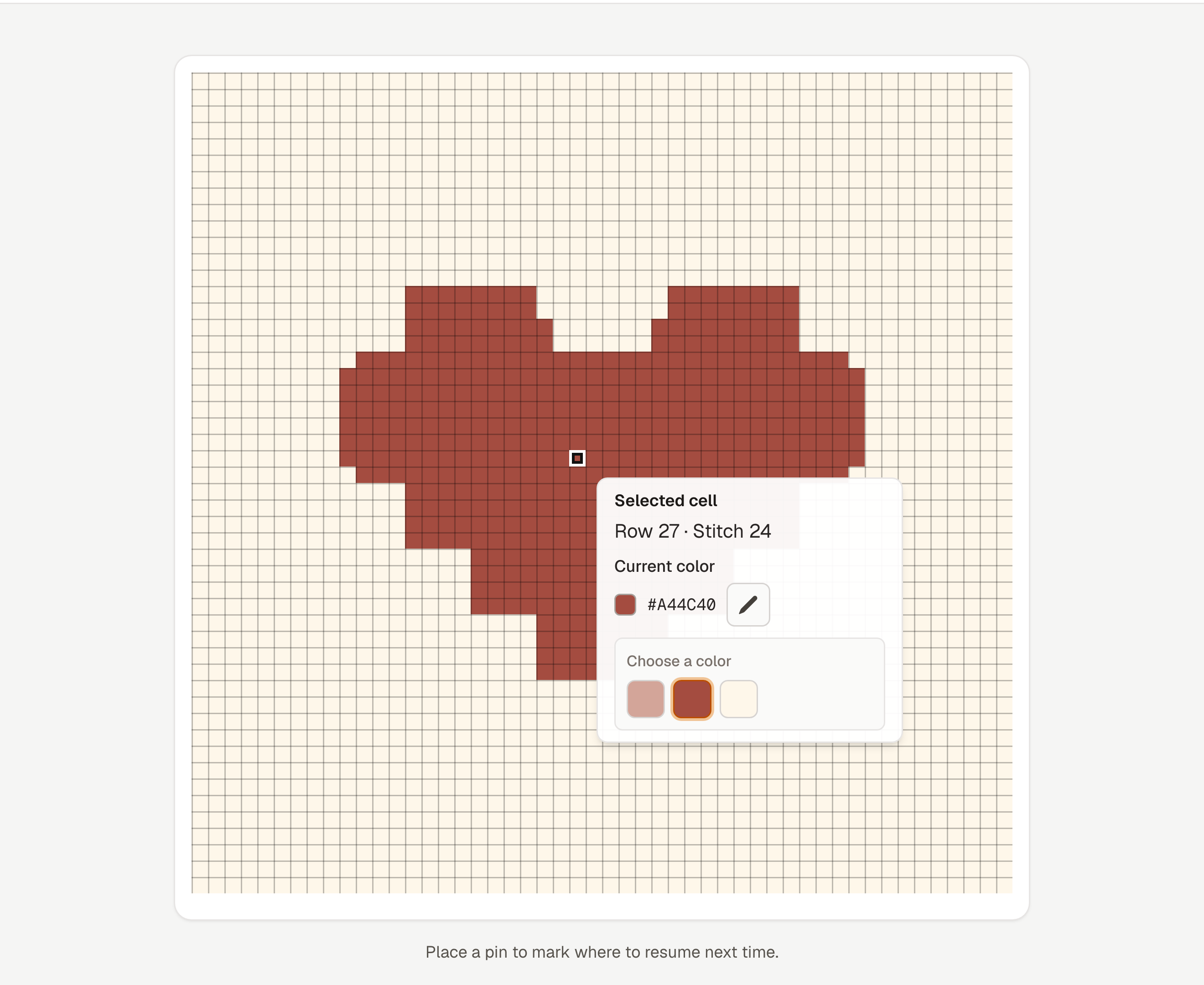
Edit individual cells in your generated chart. Save the finished chart as a PNG or print a copy to keep beside you.
03
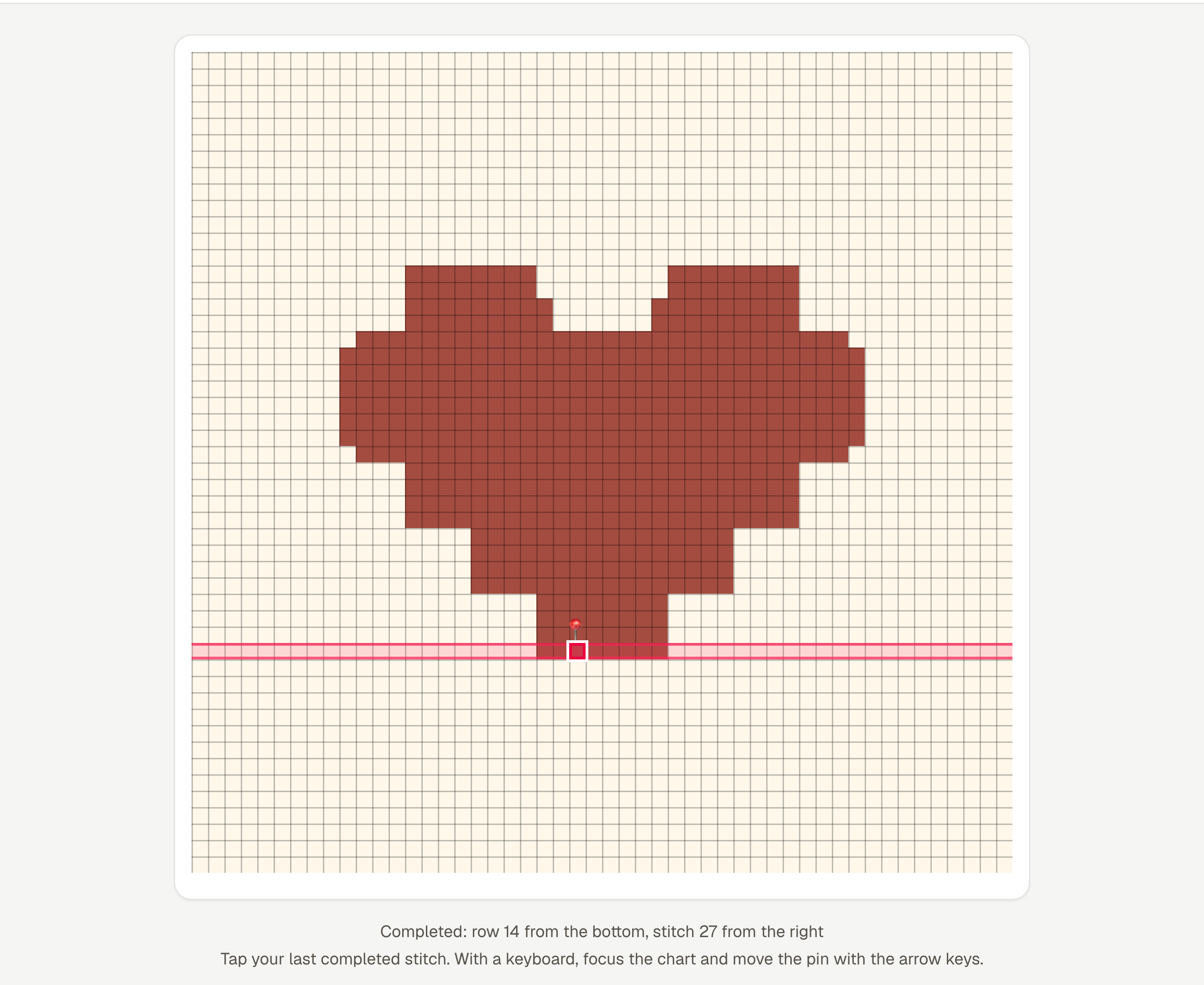
Pin your last completed stitch to highlight the row. Your latest chart and progress can be restored in the same browser.
Images must be 10 MB or less, at most 24 megapixels, and no more than 12,000 px on either side.
Select Place pin and tap a cell to highlight your progress and its row. Rows are counted from the bottom. Work from bottom left to right, then back from right to left on the next row. Pins and highlights are on-screen guides and are not included in PNGs or printouts.
Image processing takes place in your browser. Selected photos are not uploaded to a server.
Your latest chart and pin are saved automatically in this browser and restored when you reload or return. The original image and undo history are not saved. Select the image again to regenerate. Data does not sync across devices or browsers, and clearing site data or private browsing may remove saved work.
Yes. Choose a JPEG, PNG or WebP photo or illustration to create a colored grid chart. You can adjust the stitches, rows and number of colors.
Yes. Open Amizu in your mobile browser, tap Settings in the editor, choose an image and generate your chart.
No. Your selected photos stay on your device. Image conversion takes place in your browser.
You can save your generated or edited chart as a PNG, or print it from your browser. The progress pin is not included in exports.
Your latest chart and pin are saved automatically in the same browser. They do not sync across devices. Clearing site data or using private browsing may remove saved work.
Amizu creates grid charts made of colored cells. It does not generate crochet stitch symbols or written pattern instructions.